
Are Membrane Keyboards Good for Gaming? (Honest Guide for 2026)
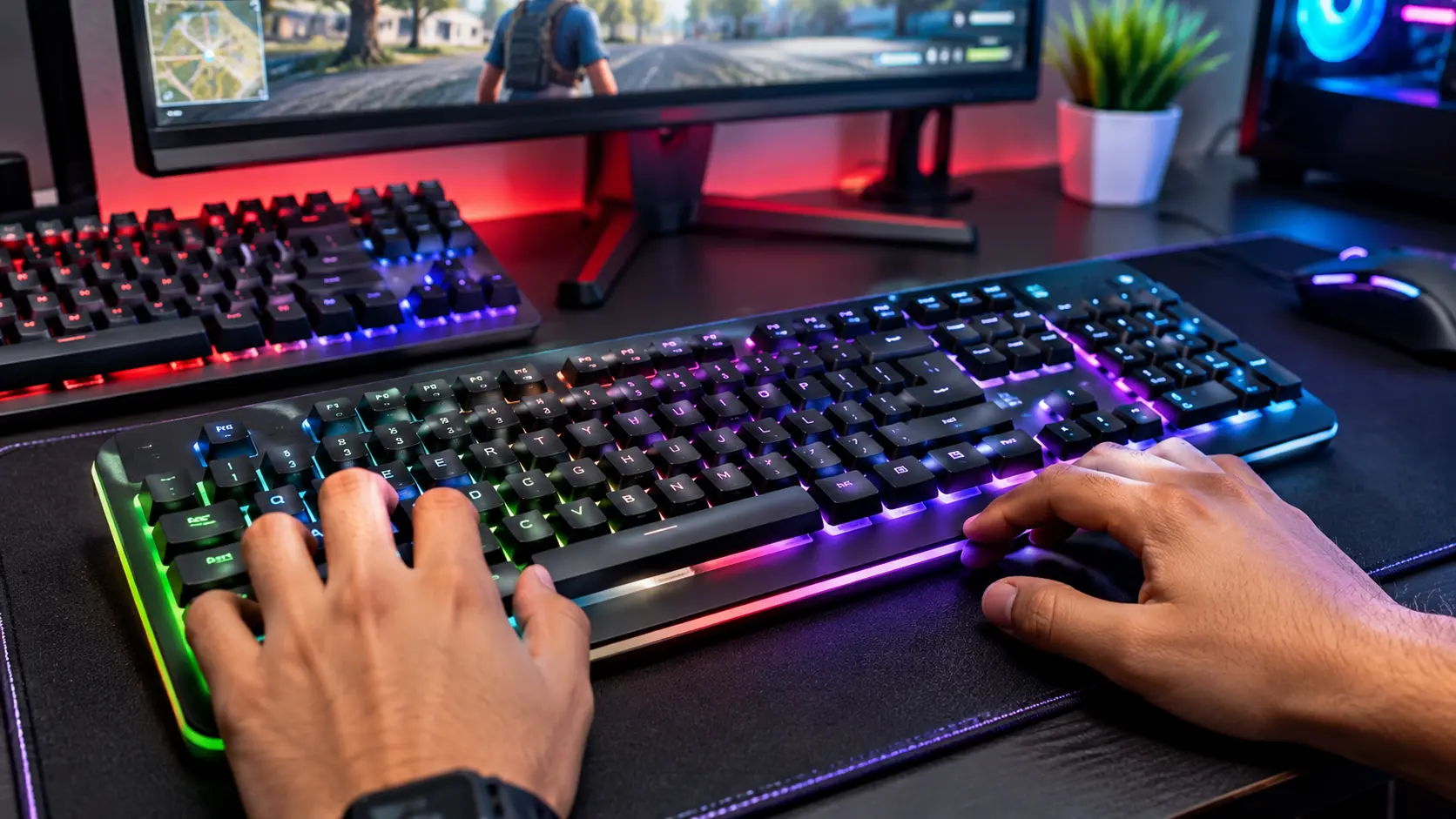
You are comparing two keyboards. One is a loud, clicky mechanical board that costs more. The other is a quiet, cheaper membrane keyboard with RGB lighting. So, are membrane keyboards good for gaming, or will you regret saving that money?
If you have ever searched "is membrane keyboard good for gaming", this guide is for you. The honest answer is: yes for most gamers, but not for everyone. In this guide we explain how membrane keyboards work, where they are great, where they fall short, and how to pick a good one, so you can decide without the marketing noise.
What Is a Membrane Keyboard and How Does It Work?
Under every key of a membrane keyboard sits a soft rubber dome. When you press a key, the dome collapses and pushes a flexible circuit layer (the "membrane") below it, which registers the keypress. When you let go, the dome springs the key back up.
A mechanical keyboard, in contrast, has a separate spring-loaded switch under every key. This one difference explains almost everything: the feel, the noise, the price and how long the keyboard lasts.
Are Membrane Keyboards Good for Gaming? The Pros and Cons
Here is where a membrane keyboard for gaming shines, and where it struggles.
What they do well
- Price: Generally much cheaper than mechanical boards.
- Quiet: Great for late-night sessions, shared rooms and streaming.
- Soft feel: Many people find the keys comfortable for long play.
- Spill tolerance: With no open switches, many models handle small splashes better (still, keep drinks away).
- Features: RGB, media keys and wrist rests are common even on budget models.
Where they struggle
- Mushy feel: You usually press a key nearly all the way down, so it feels less precise.
- Ghosting: Cheap models may miss keys when you press several at once.
- Lifespan: Rubber domes wear out and can feel uneven over time.
- Little repair or upgrade: You cannot swap a single switch like on many mechanical boards.
Membrane vs Mechanical Keyboard for Gaming
| Factor | Membrane | Mechanical |
|---|---|---|
| Key feel | Soft, cushioned, less defined | Distinct, consistent, more feedback |
| Noise | Quiet | Louder (depends on switch type) |
| Price | Lower | Higher |
| Typical lifespan | Often rated around 5-10 million keystrokes | Often rated 50 million or more |
| Customization | Limited | Swappable keycaps, often switches too |
| Best for | Casual gamers, beginners, budget builds | Competitive players, heavy daily use |
Lifespan numbers are manufacturer ratings and vary by brand and model. Want the full side-by-side? Read our detailed mechanical vs membrane keyboard comparison.
Are Membrane Gaming Keyboards Good for the Games You Play?
It depends on the type of game. Use this as a general guide:
| Game type | Membrane verdict |
|---|---|
| Single-player, RPG, open world | Great |
| Strategy and city builders | Great |
| MOBAs (Dota 2, League of Legends) | Good |
| Racing and flight sims | Good |
| FPS and battle royale (Valorant, CS2, Call of Duty) | Playable, but mechanical feels more consistent |
| Fighting and rhythm games | Mechanical preferred for fast repeated inputs |
In short, are membrane keyboards good for gaming across most genres? Mostly yes. A membrane keyboard will not stop you from playing well. Skill, your mouse, monitor and PC performance matter far more than the keyboard type for most players.
Are Membrane Switches Good for Gaming? Ghosting and Response Time
What is ghosting?
Ghosting happens when you press several keys together (like W + A + Shift + Space) and the keyboard fails to register one of them. It is the biggest weakness of cheap membrane keyboards. The fix is simple: look for anti-ghosting or N-key rollover (NKRO) in the specifications.
What about response time?
On paper, mechanical switches can register a press slightly earlier, because they trigger before the key bottoms out. In real games the difference is tiny for most players. A wired USB connection and a good polling rate matter more than membrane versus mechanical.
How to Choose a Membrane Keyboard for Gaming
If you decide a membrane keyboard gaming setup suits you, check these points before buying:
- Anti-ghosting or NKRO: Make sure it is listed clearly, not just a vague "gaming" label.
- Go wired: A wired USB keyboard avoids the lag and battery worries of cheap wireless models.
- Pick the right size: A compact (tenkeyless) layout gives your mouse more room, which helps in FPS games.
- Check build quality: A flexible, creaky frame or wobbly keys is a red flag. Spend on sturdiness before RGB.
- Read the "key feel" in reviews: Words like "mushy" or "inconsistent" tell you a lot.
- Consider hybrid boards: Some membrane keyboards are designed to feel closer to mechanical ones, and they are a good middle ground.
Are Membrane Keyboards Good for Gaming? Who Should Buy One (and Who Should Skip)
A membrane keyboard is a good choice if you:
- Are a beginner or casual gamer on a tight budget.
- Play in a shared room, hostel or at night and need a quiet keyboard.
- Mostly play single-player, MOBA, strategy or racing games.
Consider a mechanical keyboard instead if you:
- Play competitive FPS or fighting games and want consistent, precise key presses.
- Type a lot every day and want a keyboard that lasts for years.
- Like customizing keycaps and switches.
Still unsure which one to pick?
See the full comparison, or build your setup on a budget.
Mechanical vs Membrane 10 Must-Have AccessoriesConclusion: So, Are Membrane Keyboards Good for Gaming?
Yes, membrane keyboards are good for gaming for the majority of players, especially beginners, casual gamers and anyone on a budget. Just choose a wired model with anti-ghosting and decent build quality. If you play competitive shooters or want a keyboard that lasts many years, a mechanical keyboard is the better long-term buy.
Once your keyboard is sorted, make sure your PC can keep up too. Test your CPU and GPU balance with our PC bottleneck calculator, and see if your favorite game will run with the free Can I Run This Game? checker on GamingDon.
FAQ: Membrane Keyboards for Gaming
Are membrane keyboards good for gaming?
Yes, for most casual and budget gamers. They are quiet, affordable and perfectly playable. Choose a model with anti-ghosting. Competitive players may prefer mechanical keyboards for more consistent key presses.
Are membrane keyboards good for FPS games like Valorant or CS2?
They are playable, and many players do well on them. Mechanical keyboards feel more precise and consistent, which some competitive players prefer, but the difference is small compared to your aim and reaction time.
Do membrane keyboards have ghosting?
Cheap ones can. Ghosting means a key press is missed when you hold several keys at once. Look for anti-ghosting or N-key rollover in the specs to avoid this problem.
How long does a membrane gaming keyboard last?
Manufacturers often rate membrane keyboards at around 5 to 10 million keystrokes, compared with 50 million or more for many mechanical switches. Real lifespan depends on the brand, build quality and how much you use it.
Are membrane keyboards quieter than mechanical keyboards?
Yes. Rubber domes soften each keypress, so membrane keyboards are usually much quieter than mechanical ones, especially clicky or tactile mechanical switches.
Should a beginner buy a membrane or mechanical gaming keyboard?
A membrane keyboard is a safe, low-cost starting point for beginners. If you later find you game or type a lot, you can upgrade to a mechanical keyboard.