PC Bottleneck Calculator – Check Your CPU & GPU Balance
Detailed Bottleneck Estimate
CPU reference score (relative)—
GPU reference score (relative)—
Balance overview
At your selected resolution
RAM and storage impact
What you may notice in real use
Upgrade priority
Bottleneck summary by resolution
Resolution changes the balance between CPU and GPU. These are model-based indicators, not measured percentages.
Recommended resolution
Estimated performance by workload
Illustrative FPS ranges generated from reference tiers. These are not verified game benchmarks and may differ significantly from your exact system.
Real-world scenarios
Practical examples based on common PC behaviour. They explain what to check, not guaranteed outcomes for your parts.
Recommended checks
Accuracy note: Scores are simplified reference indices assigned to selected model entries, not a verified benchmark database. They are useful only for a rough screening. FPS ranges shown in workload tables are heuristic estimates only, not verified real-world measurements; no precise bottleneck percentage is claimed. Individual models within one family can perform very differently. Confirm using benchmarks for your exact CPU/GPU and in-game monitoring before purchasing parts.
What is a PC bottleneck calculator?
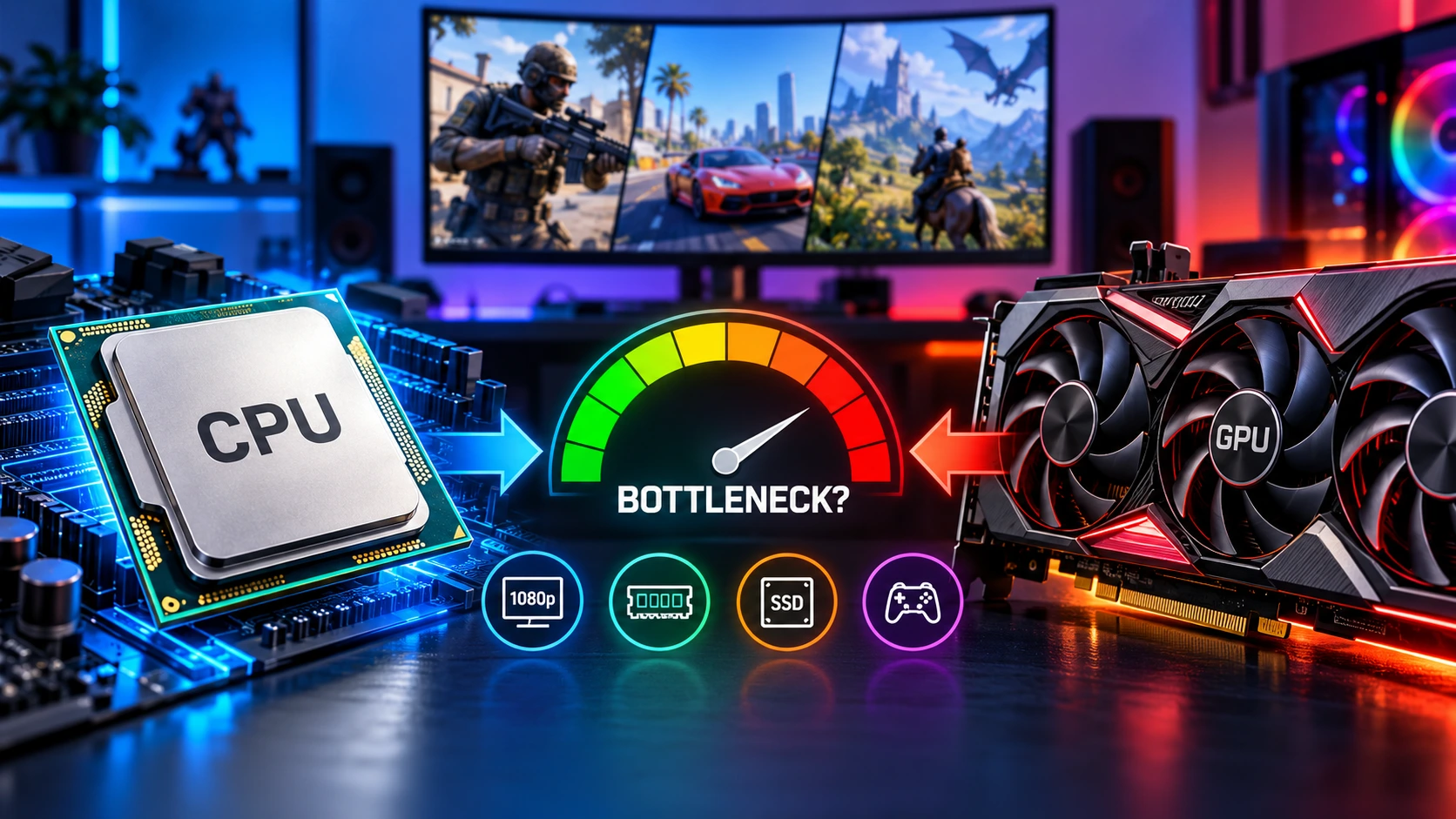
A PC bottleneck happens when one part of your computer limits how well another part can perform. In gaming, the usual question is simple: is your CPU too slow for your graphics card, or is your graphics card the part doing all the limiting?
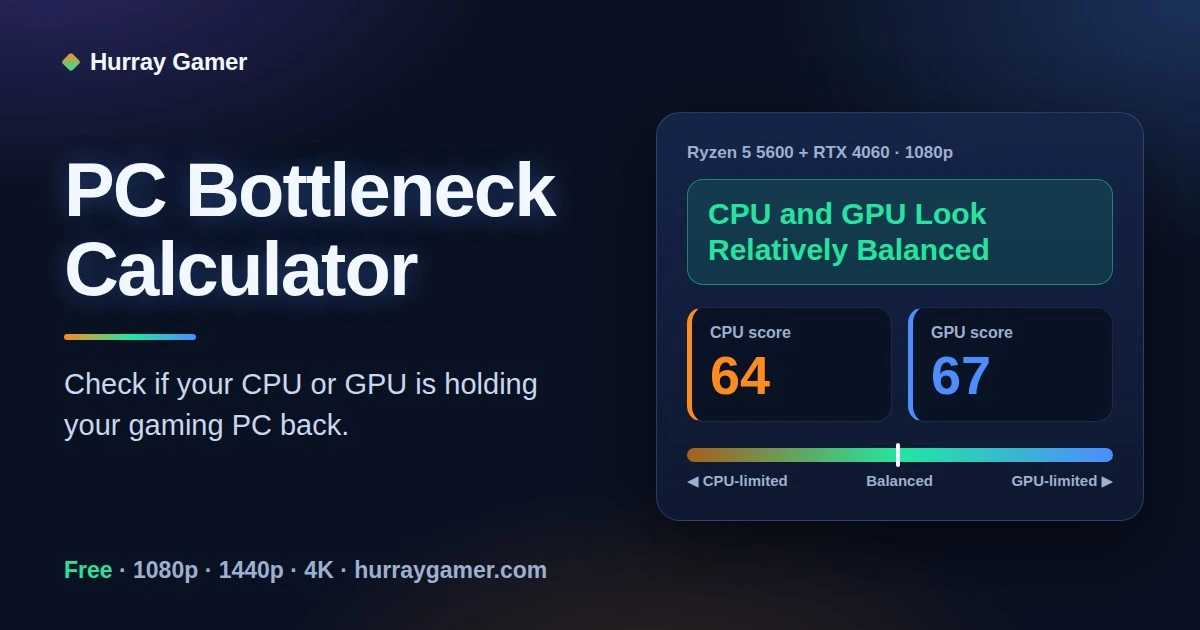
This free online PC bottleneck calculator works as a CPU GPU bottleneck checker: it compares the processor and graphics card you choose, takes your resolution into account, and gives you a plain-language verdict before you buy, build or upgrade.
Whether you are planning a new build or wondering why your FPS is low, a PC bottleneck calculator is a fast first check. Pick your parts, read the verdict, then confirm it with real benchmarks.
How to use this PC bottleneck calculator
Choose your CPU and GPU. You can type in the box to search the list.
Select the resolution you play at: 720p, 1080p, 1440p or 4K.
Optional: open Advanced Options to set your RAM, storage type and what you use the PC for (gaming, streaming, video editing, 3D rendering or general use).
Click the button to see your result.
How to read your result
The PC bottleneck calculator gives one of three verdicts. Here is what each one means and what to do about it.
Likely CPU bottleneck
Your processor is probably limiting your graphics card. It shows up most at lower resolutions and in CPU-heavy games, as lower FPS than the GPU should deliver and stutters in busy scenes.
Try a higher resolution, background app cleanup, XMP/EXPO for RAM, or a CPU upgrade.
Likely GPU bottleneck
Your graphics card is the limit. At high settings this is normal and healthy, because it means the GPU is fully used. It is not a problem on its own.
For more FPS, lower settings, use DLSS or FSR upscaling, or upgrade the GPU.
CPU and GPU look relatively balanced
Neither part is far ahead of the other, so you are unlikely to waste money or performance on either one.
Real results still vary by game and settings.
PC bottleneck calculator: understand the balance between your processor and graphics card.
You also get relative reference scores for both parts, a balance meter, a recommended resolution and estimated FPS ranges. These are rough estimates, not measured benchmarks. The PC bottleneck calculator does not claim an exact bottleneck percentage, because no calculator can know your game, settings and drivers.
Why use a PC bottleneck calculator before you upgrade?
Upgrades are expensive, and the wrong one can leave your FPS almost unchanged. A PC bottleneck calculator shows which part is likely holding your system back, so you spend on the CPU or GPU that actually needs replacing.
It is also useful when buying. Comparing a few CPU and GPU pairs in a PC bottleneck calculator helps you avoid pairing a high-end graphics card with a weak processor, or the other way round.
Does resolution change the bottleneck?
Yes. Higher resolution increases the GPU's workload, so a CPU that limits you at 1080p may be fine at 1440p or 4K. That is why this PC bottleneck calculator asks for your resolution.
Resolution
What usually limits performance
What it means for you
1080p
CPU matters more, especially with a fast GPU
Competitive players on high-refresh monitors need a stronger CPU.
1440p
Usually a mix, leaning toward the GPU
Most mid-range CPUs keep up with a mid-to-high-end GPU.
4K
GPU is almost always the limit
Spend more on the GPU; the CPU matters less.
How to fix a bottleneck and get better FPS
If the PC bottleneck calculator shows a likely CPU bottleneck, start with these fixes.
Raise the resolution or graphics quality if the CPU is the limit, so the GPU shares more of the work.
Close background apps such as browsers with many tabs, launchers and recording tools.
Enable XMP or EXPO in the BIOS so your RAM runs at its rated speed, and use two memory sticks for dual-channel.
Update drivers and BIOS (graphics drivers from NVIDIA or AMD), and check that the CPU is not thermal throttling.
Upgrade the limiting part. Check that a new CPU fits your motherboard socket before buying.
Use upscaling (DLSS, FSR) when the GPU is the limit and you want more FPS.
Two free tools help you verify the result: MSI Afterburner shows live CPU and GPU usage while you play, and the TechPowerUp GPU database lets you compare graphics card specs.
Popular CPU and GPU pairings
Use these common combinations to sanity-check what the PC bottleneck calculator tells you. They are general guidance, so check benchmarks for your exact models and games.
CPU + GPU
Best for
What to expect
Ryzen 5 5600 + RTX 3060
1080p
Well balanced for 1080p at high settings.
Intel Core i5-12400F + RTX 4060
1080p, some 1440p
Balanced. At 1440p the GPU is usually the limit, which is fine.
Ryzen 5 5600 + RTX 4070
1440p
Strong GPU for the CPU. At 1080p in CPU-heavy games the CPU may limit it; 1440p suits it better.
Intel Core i3-12100F + RTX 4060
1080p
Fine in most esports titles. In CPU-heavy games a mild CPU limit is likely.
Ryzen 7 5700X + RTX 4070 Super
1440p
Good balance for 1440p high settings.
Ryzen 5 7600 + RTX 4060 Ti
1080p to 1440p
Balanced, with room to upgrade the GPU later.
PC bottleneck calculator for laptops
You can use this PC bottleneck calculator for a gaming laptop by choosing the closest CPU and GPU models. Laptop chips often run at lower power limits than desktop parts with a similar name, and cooling affects them more, so treat the verdict as a rough guide.
Most laptop CPUs and GPUs cannot be upgraded later, so the most useful results from a PC bottleneck calculator for a laptop are the recommended resolution and whether your settings make the GPU the limit.
Complete your gaming setup
Once your CPU and GPU are sorted, the rest of your desk matters for comfort and control. Explore our PC gaming accessories, including the Hurray Gamer large gaming mouse pad: 58 × 28 cm, 3 mm thick, stitched edges and a non-slip rubber base.
The best PC bottleneck calculator is one that is honest about its limits. This free tool compares your CPU, GPU and resolution and explains the result in plain language, but no PC bottleneck calculator replaces real benchmarks for your exact parts and games.
What is a bottleneck in a PC?
A bottleneck is when one component limits how well another can perform. In gaming it usually means the CPU is too slow to keep a graphics card fed with frames, or the graphics card is the part running at its limit while the CPU waits.
What is a PC bottleneck calculator and how does it work?
A PC bottleneck calculator compares your CPU and GPU and tells you which one is likely to limit the other. This PC bottleneck calculator uses simplified reference scores for the parts you select, then adjusts the result for your resolution, RAM, storage and what you use the PC for.
Is this PC bottleneck calculator accurate?
It is a quick screening tool, not a benchmark. It cannot know your exact game, graphics settings, drivers, cooling or background apps. Use the result as a starting point, then confirm with real benchmarks for your exact parts and by watching CPU and GPU usage while you play.
Is a bottleneck always bad?
No. Every PC has some limiting component. In most games at high settings you want the GPU to be the limit, because that means the graphics card is fully used. A CPU bottleneck is the one worth fixing, because it stops a good GPU from reaching its potential.
How do I know if my CPU is bottlenecking my GPU?
Play a demanding game and watch usage in MSI Afterburner or Task Manager. If GPU usage stays well below its maximum while the CPU, or a single CPU thread, is heavily loaded, the CPU is probably the limit. Raising the resolution or graphics settings should increase GPU usage if that is the case.
What is a good bottleneck percentage?
There is no official threshold. Small differences between a CPU and GPU are normal, and chasing 0% is not realistic. What matters is whether your FPS and GPU usage are acceptable in the games you play. This PC bottleneck calculator avoids showing a precise percentage on purpose, because a single number cannot account for the game, settings and drivers.
Does a higher resolution reduce a CPU bottleneck?
Usually, yes. Higher resolutions such as 1440p and 4K put more load on the GPU, so each frame takes longer to render and the CPU has more time to keep up. At 1080p, especially with a fast GPU, the CPU matters more.
Can RAM or storage cause a bottleneck?
RAM can. 8 GB is tight for many modern games and background apps, and single-channel memory can lower performance. 16 GB in dual-channel is a sensible baseline for gaming. Storage mostly affects loading times and responsiveness rather than FPS, so an SSD helps over an HDD but will not raise frame rates.
Which matters more for gaming, the CPU or the GPU?
For most games at 1080p and above, the GPU has the bigger effect on FPS. The CPU matters more in competitive high-FPS games, simulation and open-world titles, and when you stream while gaming. A balanced pair is better than spending everything on one part.
Will upgrading my GPU fix low FPS?
Only if the GPU is the limit. If your CPU is already holding the graphics card back, a new GPU may give little or no gain. Check your result and your in-game usage first, then decide whether the CPU, GPU or RAM is the better upgrade.
Can I use this PC bottleneck calculator for a laptop?
You can pick the closest CPU and GPU models, but treat the result as less reliable. Laptop chips often run at lower power limits than desktop parts with a similar name, so real performance can be lower and varies by laptop model and cooling.
How can I fix a CPU bottleneck?
Raise the resolution or graphics quality so the GPU does more of the work, close background apps, enable XMP or EXPO for your RAM, use dual-channel memory, keep the BIOS and drivers updated, and make sure the CPU is not thermal throttling. If it still limits a strong GPU, a CPU upgrade on the same socket is the next step.
Accuracy note: This PC bottleneck calculator uses simplified reference scores, not a verified benchmark database. Results are a rough screening only. Real performance depends on the game, settings, drivers, cooling and the exact model of each part. Confirm with benchmarks for your exact CPU and GPU before buying.