
Which Gaming Accessories to Upgrade First? (Best Order for 2026)
By Rahul Gurjar | Last updated:
If you’re wondering which gaming accessories to upgrade first, here’s the short version: start with whatever sits between you and your screen. A better mouse, a proper mousepad and a monitor your PC can actually keep up with will change how games feel more than a graphics card you can’t afford right now. RAM and GPU prices have jumped this year, so spending smart matters more than ever.
Quick answer
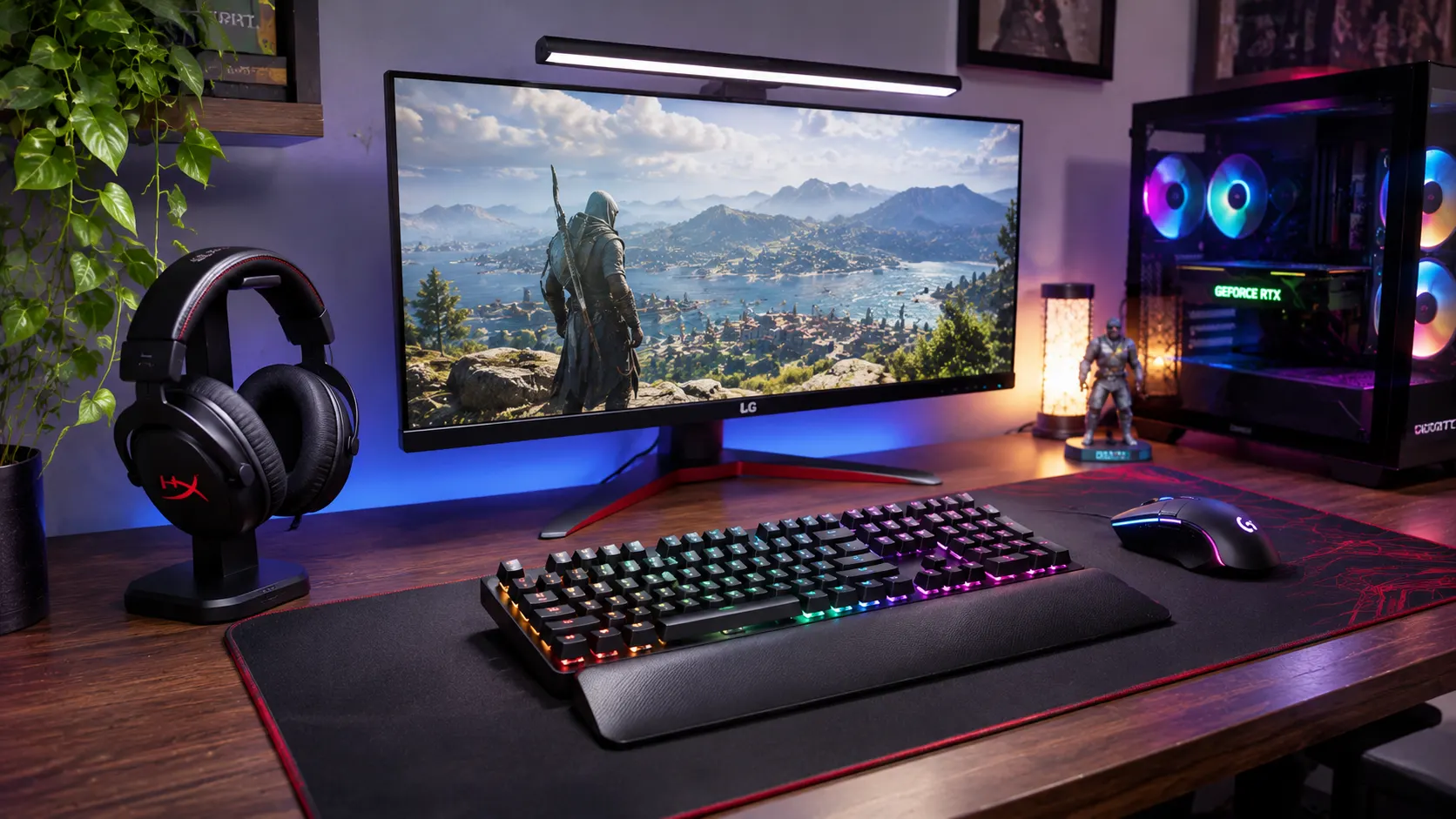
Which gaming accessories to upgrade first? In order: a high-refresh monitor (only if your PC already runs games above 90 FPS), then a mouse, a large mousepad, a keyboard, and finally a headset. On a tight budget, a good mouse and mousepad give the biggest jump for the least money. Fix free in-game settings before you spend anything.
Which gaming accessories to upgrade first, and why they beat a PC upgrade right now
PC parts are expensive in a way we haven’t seen in years. One US price tracker shows the cheapest 2x16GB DDR5-6000 kit going from $59 in April 2025 to $429 on 3 November 2026. In Germany, average Nvidia graphics card prices rose 66% between November 2025 and October 2026, according to this November 2026 price breakdown.
That doesn’t mean you should panic-buy or give up on gaming. It means the smartest buys are the parts you touch and see every day: your monitor, mouse, keyboard and headset. They’re cheaper, they’re easier to compare, and you can carry them over to your next PC.
Step zero: find what’s holding your PC back
Before you spend a rupee, find out what is actually slowing your games down. If your CPU and GPU are badly matched, no mouse will fix that. Our PC bottleneck calculator gives you a quick estimate. Treat the result as a hint, not a verdict, because every game loads your hardware differently. It also tells you which gaming accessories to upgrade first, and which ones won’t help yet.
Then try the free fixes. Lowering a few graphics options and turning off ray tracing can lift frame rates a lot. Engadget’s guide to boosting FPS without new hardware says you can often get a smooth 60 or even 120 FPS without replacing your GPU or RAM. It also warns that frame generation can add input lag, so it isn’t free performance.
Which gaming accessories to upgrade first: the order that makes sense
If you’re unsure which gaming accessories to upgrade first, this is the order I’d follow, and why. Skip a step if you’re already happy with that piece of gear.
1. Monitor: only if your PC can feed it
A 60Hz screen redraws the image 60 times per second. A 144Hz screen does it 144 times, so motion looks smoother and clearer. BenQ’s refresh rate guide points out that 60Hz is enough for most gaming, while competitive players get the most from a faster display.
Here’s the catch. If your PC runs a game at 40 FPS, a 144Hz monitor just shows you those 40 frames more clearly. Check your frame rate first, because a monitor only tops the list of gaming accessories to upgrade first when your PC can use it. If you’re already above 90 FPS on a 60Hz screen, this is probably the upgrade you’ll notice most. If not, go to step 2. That is why, when you ask which gaming accessories to upgrade first, the monitor only wins if your PC can keep up.
2. Mouse: comfort and sensor beat big numbers
When you decide which gaming accessories to upgrade first, a mouse is a strong pick. It won’t raise your FPS, but it controls every aim, click and camera turn. Focus on three things: a shape that fits your hand, a reliable sensor, and a weight you can swipe all day without fatigue.
Ignore the polling rate race. A 1000Hz mouse already reports every millisecond, and Tom’s Hardware concludes most people don’t need 8K polling. A higher rate also puts more load on your CPU, which is the last thing a mid-range PC needs.
3. Mousepad: the cheapest upgrade people skip
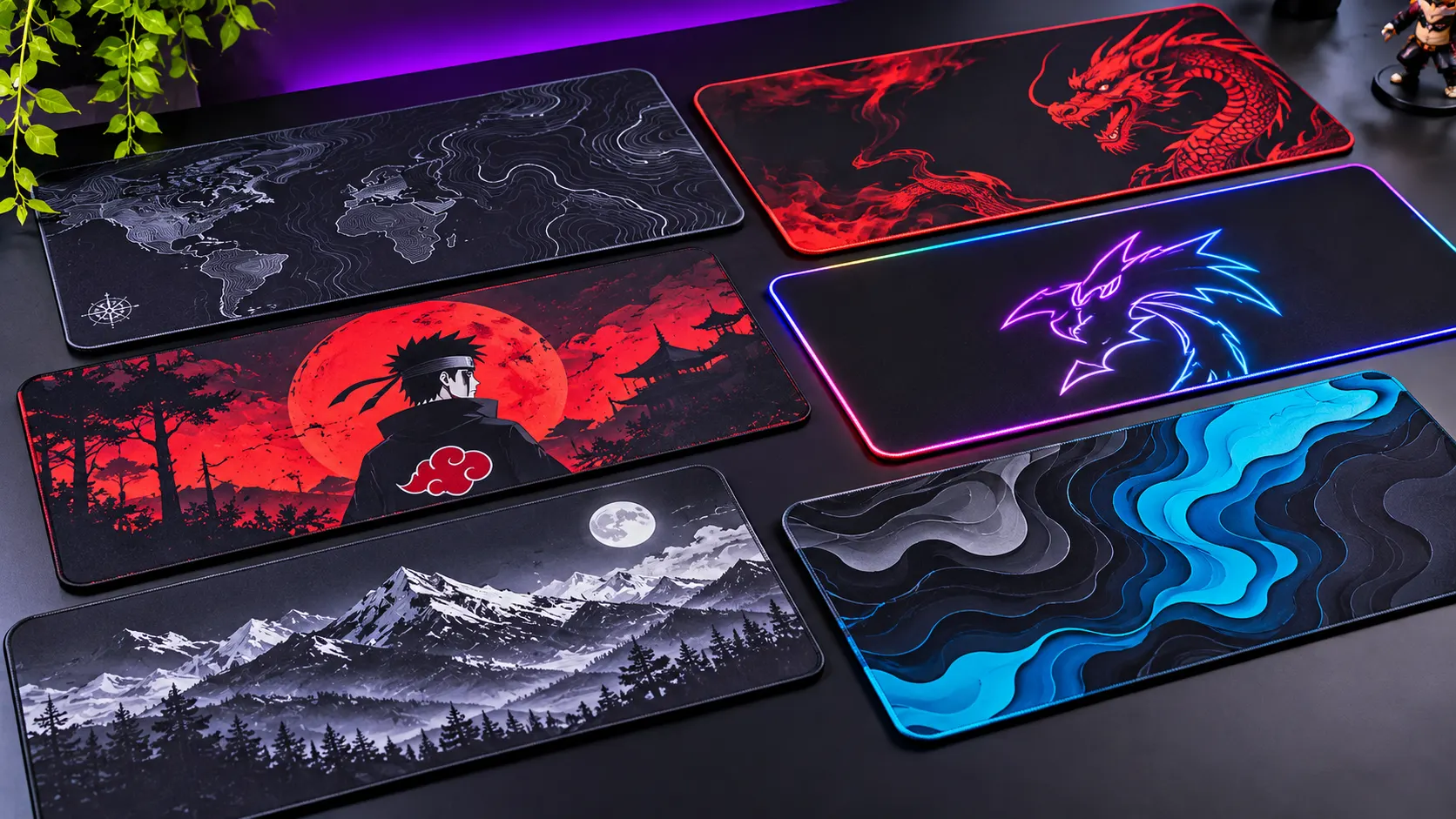
A worn desk or a tiny pad makes even a good mouse feel inconsistent. A large pad gives you room for low-sensitivity swipes, keeps your keyboard and mouse on one surface, and protects your desk. So if you’re deciding which gaming accessories to upgrade first on a budget, a mousepad is one of the cheapest picks, even though most people skip it. If you want a quick, low-cost fix, look at this extended 23x11 inch gaming mouse pad.
4. Keyboard: mechanical, membrane or magnetic?
Be honest about the games you play. For competitive shooters, magnetic keyboards with adjustable response are getting popular. TechRepublic’s comparison suggests choosing magnetic if you play competitive FPS or rhythm games, while mechanical boards stay strong for typing, customization and value.
For single-player and casual gaming, a decent membrane keyboard is fine, so it ranks lower when you decide which gaming accessories to upgrade first. Not sure which type suits you? Read our breakdown of mechanical vs membrane keyboards before you spend.
5. Headset: clear sound and a clear mic
A headset sits last when you decide which gaming accessories to upgrade first, but it still matters. It helps you hear footsteps, directions and teammates, and a clear mic saves you from repeating yourself in every match. Comfort matters more than looks. If it squeezes your head after an hour, you won’t use it. Wired models are usually the safer budget choice because you never worry about battery or lag.
Quick comparison table
Use this table as a quick checklist for which gaming accessories to upgrade first, and which ones can wait.
| Upgrade | What it improves | Worth it if | Skip it if |
|---|---|---|---|
| Monitor (144Hz) | Motion smoothness | Your PC already runs 90+ FPS | You get under 60 FPS |
| Mouse | Aim, comfort, control | Yours is worn, heavy or uncomfortable | You only want a higher polling rate |
| Mousepad | Glide consistency | You use a bare desk or a tiny pad | Your current pad is large and clean |
| Keyboard | Response and feel | You play competitive shooters | You play mostly single-player games |
| Headset | Sound and voice chat | You can’t hear cues or your mic is poor | Your current one is comfortable and clear |
What you can safely skip for now
Not every shiny item helps when you’re choosing which gaming accessories to upgrade first. Here’s what to leave out for now.
- 8000Hz polling mice. Nice on paper, but only useful with a very fast monitor and a strong CPU.
- RGB for its own sake. It looks good, but it never made anyone win a match.
- Buying everything in one brand. Mix and match. The best mouse and the best headset rarely come from the same box.
- A 240Hz monitor on a mid-range PC. Most systems can’t feed it, so you pay extra for nothing.
A practical budget path
If you’re starting small and wondering which gaming accessories to upgrade first, begin with the two cheapest, a mouse and a large mousepad, then add a keyboard or headset as money allows. These are also the best gaming accessories for beginners, because they cost little and you feel the difference quickly. Need a shopping shortlist? We’ve put together gaming accessories under ₹1000 so you can pick the useful items and avoid filler.
Save the monitor upgrade for when your PC clearly benefits from it. That way every rupee goes where you’ll feel it.
Frequently asked questions
What are the best gaming accessories to upgrade first?
Upgrade your monitor first if your PC already hits 90 FPS or more on a 60Hz screen. If it doesn’t, start with a mouse and a large mousepad, which are cheap and easy to notice. Keyboard and headset come next, unless yours is broken or uncomfortable.
What are the most recommended gaming peripherals for serious gamers?
Serious players usually pick a 144Hz or faster monitor, a lightweight mouse with a reliable sensor, a mechanical or magnetic keyboard, a large mousepad and a headset with a clear mic. Choose each by the games you play, because competitive shooters reward fast response more than slow-paced games do.
What accessories do I need for gaming?
At minimum, you need a mouse, a keyboard, a monitor and a headset that suit the games you play. A large mousepad is the cheap extra most people skip. Then choose the gaming accessories to upgrade first by what holds your gameplay back, usually the monitor or mouse, before buying RGB extras.
What is on a basic gaming equipment list?
A basic list has the gaming PC or console, a monitor, a mouse, a keyboard, a headset and a mousepad. A controller helps in some games, and a good chair or desk improves comfort over long sessions. Everything beyond that, such as lighting or capture gear, is optional.
What gaming accessories make the biggest difference to the gaming experience?
A higher refresh rate monitor, a comfortable mouse and a large mousepad change how games feel the most. The monitor only helps if your PC runs games at 90 FPS or more. A clear headset and a keyboard that suits your genre come next, while RGB lighting makes almost no difference.
Which gaming accessories are worth the investment?
Spend on the pieces you use every minute: a mouse that fits your hand, a good monitor your PC can feed and a comfortable headset. These last through several PC upgrades. Skip trend-driven extras like 8000Hz polling or heavy RGB, which cost more but rarely improve how you actually play.
What are the best gaming accessories for beginners?
A reliable mouse, a large mousepad, a comfortable headset and a basic keyboard cover what a beginner needs. These are the gaming accessories to upgrade first for most newcomers. Add a 144Hz monitor later, only if your PC runs games above 90 FPS. Skip RGB extras and 8000Hz polling for now.
Are there useful gaming accessories under ₹1000?
Yes, if you stay selective. A basic mouse and a large mousepad are the most useful buys at that budget, and a simple wired keyboard or headset can fit depending on the brand and current offers. Prices change often, so compare current listings before you buy.
Which gaming accessories combine comfort, quality and long-term value?
Look for a mouse shaped for your grip, a headset with soft, breathable padding, a large mousepad that supports your wrist and a keyboard with a layout you like. You use these daily, so comfort pays off over years. Choose reputable brands with a warranty over the cheapest option.
Which gaming accessories are the most durable and last the longest?
Mice, keyboards and headsets from reputable brands, with replaceable parts, usually last longest. Mechanical switches are often rated for tens of millions of keystrokes, and a good mousepad outlasts several mice. Cheap cables and thin headset padding wear out first, so check build quality and warranty before buying.
Should I upgrade my GPU or my gaming accessories first?
If your games run below 60 FPS even on low settings, the GPU is the real problem and accessories won’t fix it. If you already get smooth 60 FPS or more, accessories give a better return, especially now that graphics card prices are high. Check your frame rate before buying anything.
Does a better mouse improve gaming performance?
It won’t raise your FPS, but it can make aiming feel more consistent. A comfortable shape, a reliable sensor and a lighter weight help most. Skip chasing extreme polling rates, because a standard 1000Hz mouse already reports its position every millisecond, which is plenty for most players.
Are membrane keyboards good for gaming?
For casual and single-player gaming, yes. Modern membrane boards handle most games fine and cost less. Mechanical and magnetic keyboards add faster response and more customization, which matters mainly in competitive shooters. If you mostly play for fun, spend on a mouse or monitor before a keyboard.
Which is the better budget gaming keyboard, membrane or mechanical?
Membrane keyboards win on price and are fine for most games. Mechanical keyboards cost more but offer better feel, longer life and easier repairs, and linear switches suit fast presses. If money is tight, buy a decent membrane keyboard and spend the difference on a mouse or monitor.
Is a 144Hz monitor worth it for gaming?
It is worth it if your PC already runs games at 90 FPS or more, because then you actually see the smoother motion. If your frame rate sits below 60 FPS, a 144Hz screen will not help much yet. Fix your PC performance first, then upgrade the monitor.
Is a gaming mousepad really necessary?
It is not compulsory, but it is one of the cheapest upgrades you can make. A proper pad gives your mouse a consistent glide, protects your desk and keeps your wrist more comfortable. A bare or scratched desk can make even a good sensor feel unreliable.
What size of gaming mousepad is best?
For most players, an extended pad that fits both keyboard and mouse is the best choice. Players who use low sensitivity and make big arm swipes need more room than those who use a small wrist movement. Measure your desk first so the pad does not hang over the edge.
Do I need a gaming headset, or are normal earphones enough?
Normal earphones work fine for casual gaming. A gaming headset is better when you play team games, because it gives a clearer mic, more comfort for long sessions and better directional sound. If your current earphones already have a good mic, you can keep them and upgrade other gaming accessories first.
Should I upgrade my mouse or my keyboard first?
Upgrade the mouse first for most games, especially shooters, because aiming depends on it directly. A keyboard upgrade matters more if your keys are failing or you play fast competitive games. For single-player gaming, a mouse and mousepad usually give a bigger improvement than a new keyboard.
Is it worth buying new gaming accessories for an old PC?
Yes, as long as the accessories are not tied to your current system. A mouse, keyboard, headset and mousepad will carry over to your next PC, so the money is not wasted. Wait on the monitor until your PC can run games at a frame rate that matches its refresh rate.
Is an 8000Hz polling rate mouse worth buying?
For most players, no. A standard 1000Hz mouse is already fast enough, and a higher polling rate puts more load on your CPU. It only makes sense with a very fast monitor and a strong PC, so spend on shape, sensor and comfort instead.
Conclusion
Which gaming accessories to upgrade first? The ones your PC can actually take advantage of. Check your frame rate, fix the free settings, then work through the list: monitor if your PC can feed it, then mouse, mousepad, keyboard and headset. You’ll get more from a few smart buys than from one expensive part that your system can’t use.
Now you know which gaming accessories to upgrade first. Want hardware reviews and gaming news while you plan? Our sister site GamingDon publishes both. And if you’re ready to shop, browse our gaming accessories next.